01
Record the exact pigment.
Your artist saves the brand, colour, batch number, date and treatment area, then confirms the record.
 PIGMORAPASSPORT
YOUR TREATMENT HISTORY, IN ONE PLACE
Keep your tattoo and permanent makeup dates, pigment brands, exact batch numbers and photos together. Choose what a professional can see.
Choose what is shared. Your permission is required for sharing.

Made to travel with you.
See how a treatment record brings dates, pigment batches and follow up notes together.
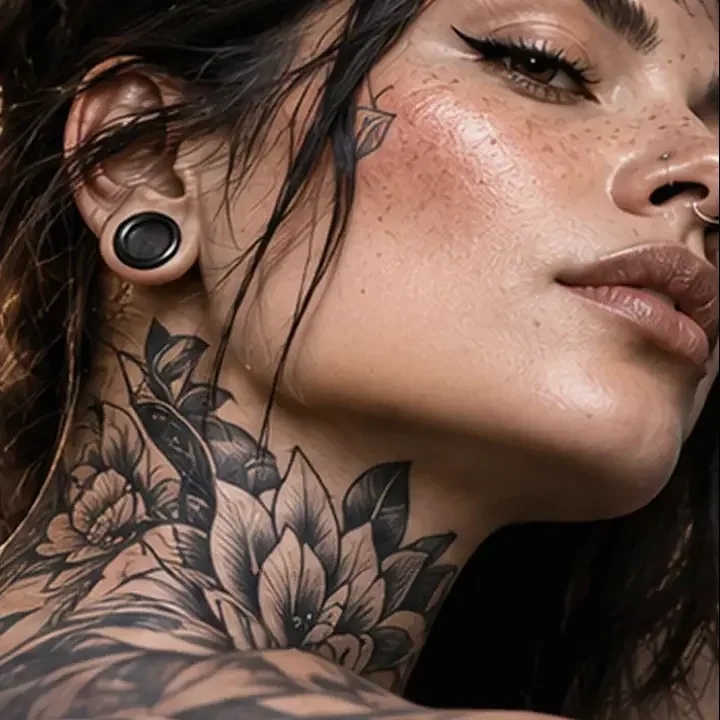 Creative editorial motion study, not real treatment footage
EXPLORE BEFORE YOU SIGN UP
Choose your situation to see how the passport helps. This example uses invented details, not client information.
Example only. A recorded batch is not a safety certification.
Download sample passport dataStart my passportHOW IT WORKS
A portable history that stays useful when you visit a different professional.
Your artist saves the brand, colour, batch number, date and treatment area, then confirms the record.
Keep photos, follow up details and corrections alongside the original confirmed session.
Choose the professional, specific records and photo permissions. Set an expiry date or revoke future access.
BUILT AROUND YOUR PERMISSION
Know what was recorded and what has not been verified. A recorded batch number is not proof that an ink is safe.
How we approach privacy ↗Once a professional confirms a session, later changes are saved separately.
Potential recall matches need exact product and batch details. Unverified notices stay labelled.
Select a recipient, records, expiry and photo access separately.
Download a structured copy of the records linked to your account.
FOR ARTISTS & STUDIOS
Record clients, pigment lots and sessions in one workspace. Clients can view and selectively share their own records.
Start a studio workspacePRICING STATUS
The client passport is planned to be free. Professional pricing is being tested; live billing is not available in this build.
See your confirmed history, download records and share selected details.
Create passportProposed starting price. No payment is collected in this build.
Explore studio setupCOMMON QUESTIONS
Yes, you can privately import historical details. Imported information stays labelled as unverified until a participating professional documents a session.
No. It records what a professional entered and can help identify possible exact batch matches. It does not test or certify ink.
Yes. Choose individual treatment records, the recipient, the purpose, expiry and whether photos are included.
Yes. Request a correction. The original confirmed entry remains in the history and corrections are documented separately.
Not yet. This is a development build. Production use requires privacy, security, legal and operational verification before real personal records are collected.
Professional pricing is a proposal currently being tested, not a live purchase. No payment will be collected in the current build.
MAKE BETTER RECORDS
Short, researched guides for important tattoo and permanent makeup recordkeeping questions.
Brand, shade, exact lot, date and source.
Read the guide ↗FOR CLIENTSA clear history of sessions, pigments and later updates.
Read the guide ↗FOR EVERYONEChoose specific records and limited access.
Read the guide ↗SAFETY AND SOURCESMatch exact identifiers and check primary sources.
Read the guide ↗YOUR HISTORY, YOUR CHOICE